Create Defects
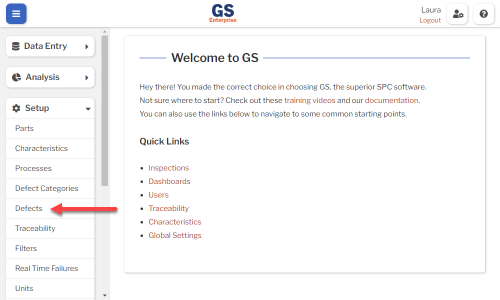
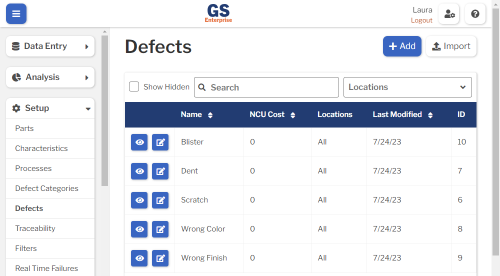
- On the navigation menu
 , expand the Setup
  section. Then select Defects.
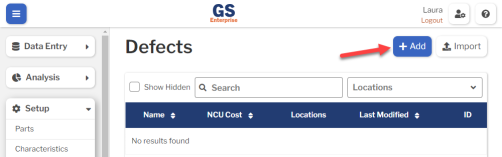
- Select the Add button to create a new Defect.
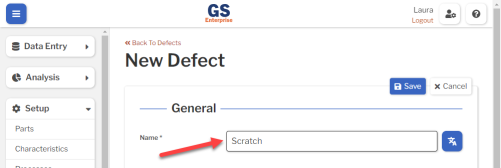
- Enter the Name of your Defect.
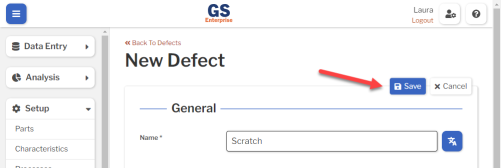
- Select the Save button at the top or bottom of the page to save your new Defect.
- Repeat these steps to add more Defects — as many as you need.
What's Next