Quick steps to enter and analyze Defect data
You can use the basic functionality of DMS (defect management system) data to:
- collect defects for a process and optional part
- tag the data with traceability values like Shift, Line, Machine, Operator, Work Order, etc.
- store the data in GS for later use
- analyze the data on a Pareto chart or Trend chart
- calculate statistics for the data
- view and edit the data
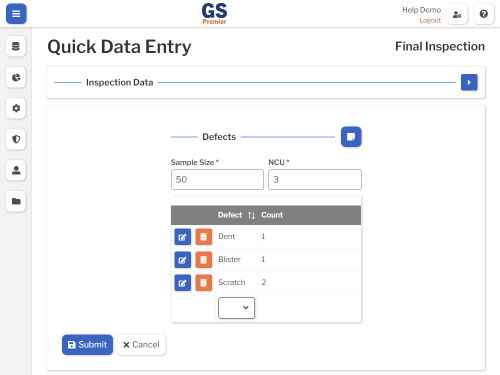
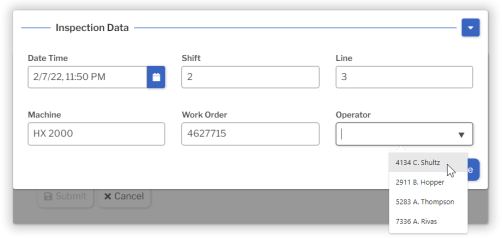
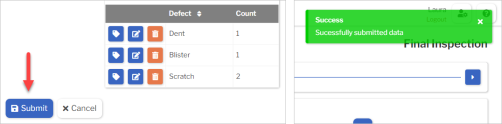
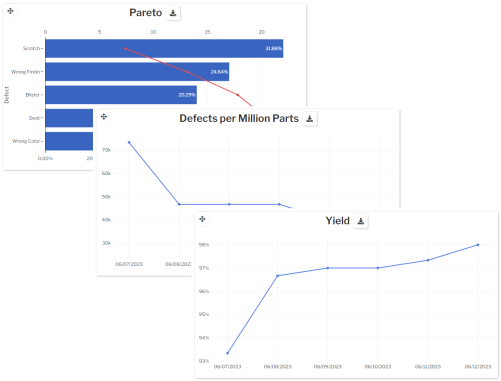

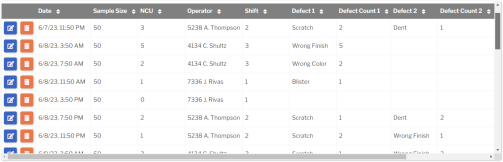
This tutorial will show you how to do all of these basic things.
- Along the way, we'll may point out some advanced features that you can also use.
- At the end, we'll point you to even more advanced features that help you deploy GS to other areas and types of data.
So let's get started!
What's Next