What Is GS?
GS is cloud-based quality control software that primarily utilizes Statistical Process Control to ensure that your manufacturing processes are maximally efficient. GS also manages Defects and Overall Equipment Effectiveness to optimize processes, reduce defects, and minimize downtime.
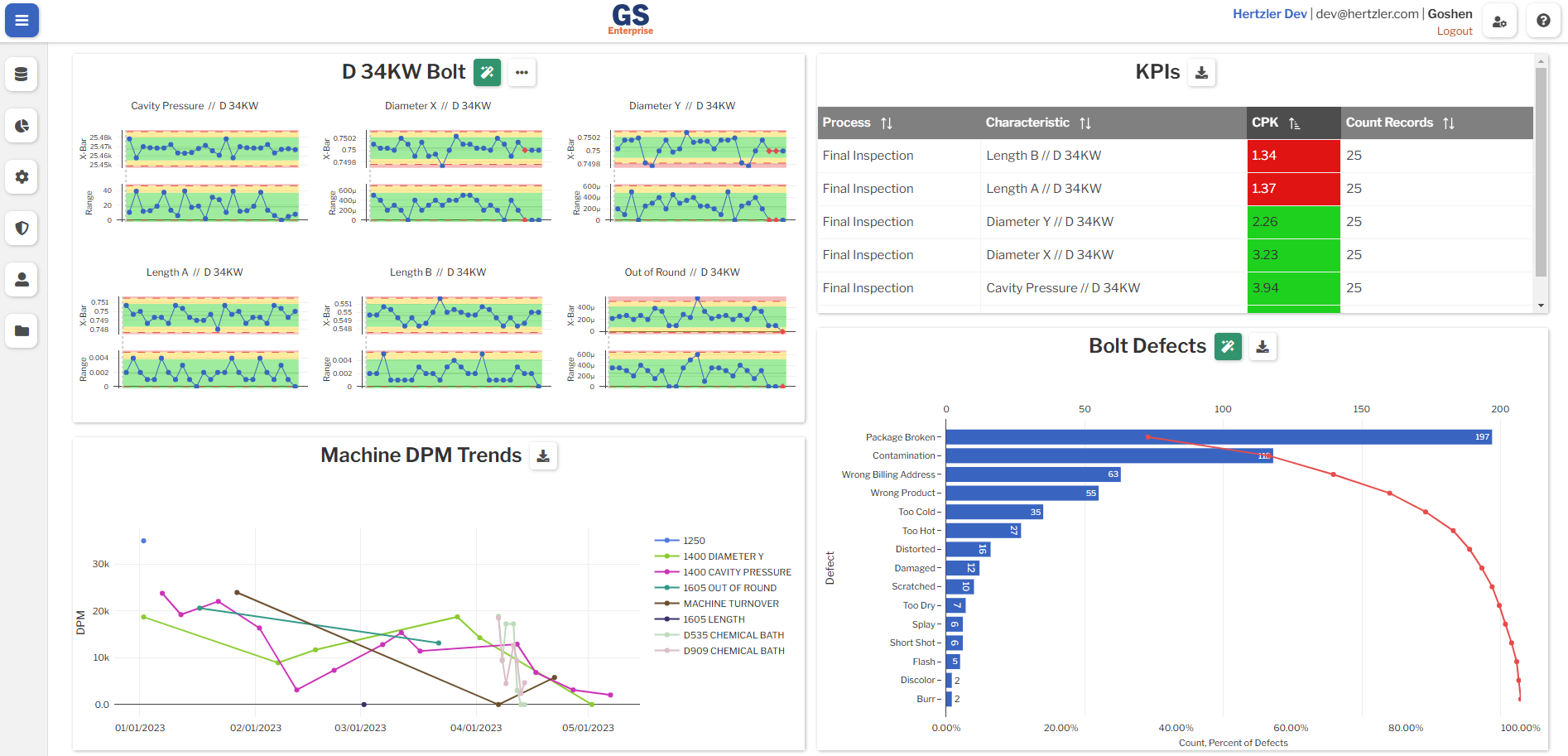
Why GS?
Manufacturers frequently grapple with data scattered across disparate systems, such as spreadsheets and paper forms. This results in data which can be difficult to organize, analyze, and act on. GS brings that data into a single platform designed for real-time insights and visibility. Some ways GS can help are:
- Collecting data directly from devices to reduce operator error.
- Holding users accountable to make sure tasks get done.
- Automatically tagging records with Traceability to aid in root cause analysis.
- Endless customizations so GS fits into your existing workflows.
Getting Help
You can get help in GS in the following ways:
- By emailing support.
- Using the built-in feedback and bug reporting form.
What's Next?
Read and understand the core concepts of GS.
Once you have an understanding of the concepts of GS, some setup is required. It is always recommended to first set up Processes and Traceability. When collecting measurement data, Parts and Characteristics will also need to be set up. When collecting Defect data, setting up Defects and Defect Categories is required.
Once GS has been set up, you may begin collecting data with Inspections. You can also import existing data for analysis.
After data has been entered into GS, it can be analyzed using Dashboards.