Report Parameters
Parameters are used in Reports to change the data retrieved when viewing a Report.
For example, a Filter parameter can be added to a Report to dynamically filter data to a particular work order number.
Tip
Parameters cannot be used on Reports with active schedules.
Setting Up Parameters
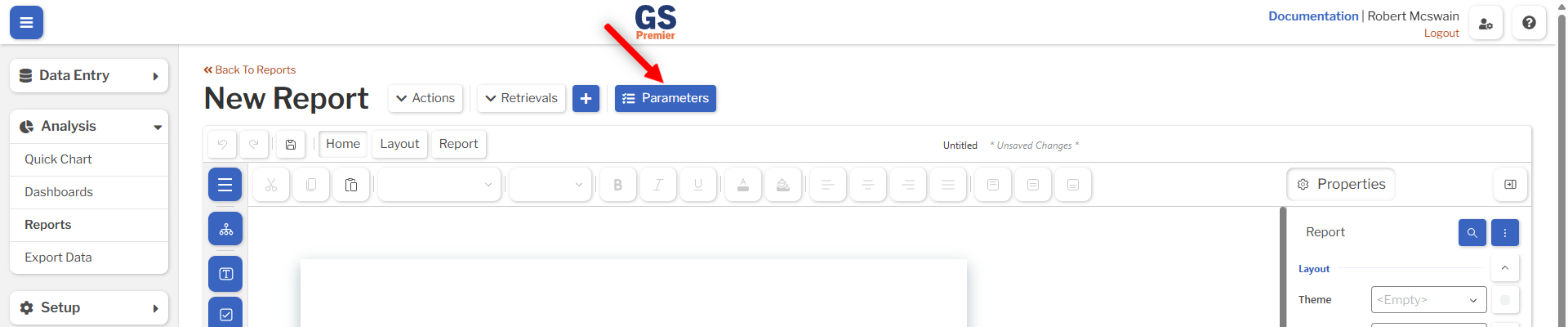
Parameters can be accessed from the Parameters button near the top of the Report Designer. Selecting this button will open an overlay with the Report's parameters.
Click Add Parameter to create a parameter, and use the Delete Parameter button to remove any unwanted parameters.
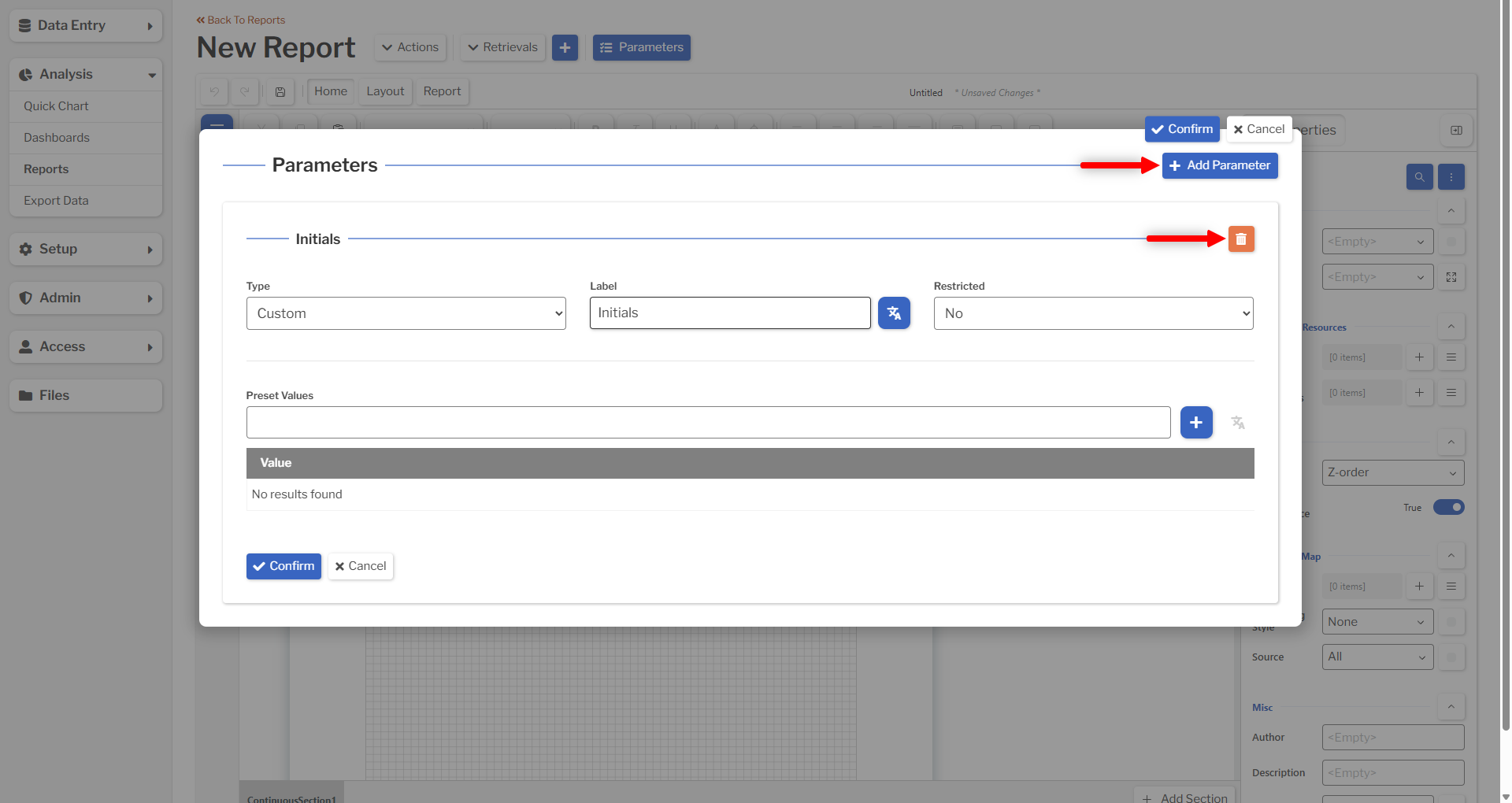
All parameters must have a Type and a Label. Other settings for the parameter are based on its type.
Filter Parameters
Parameters with a type of Filter can be used to dynamically filter by the corresponding field in their selected Retrievals.
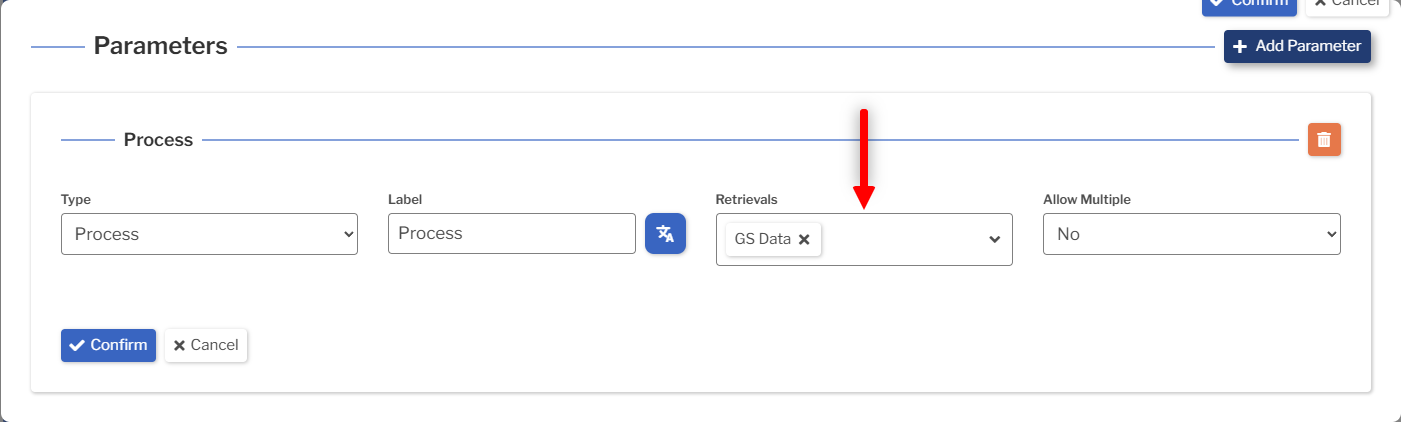
See Dashboard Parameters for more information on how Filter Parameters modify Retrievals.
Date Parameters
Date parameters can be used to dynamically overwrite the Date Period of their selected Retrievals.
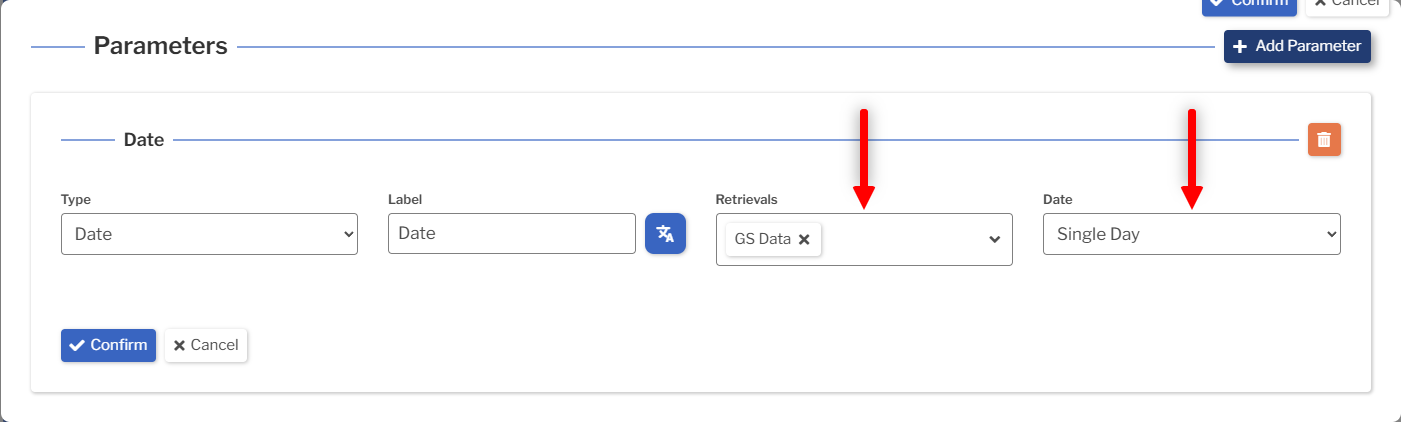
See Dashboard Parameters for more information on how Date Parameters modify Retrievals.
Custom Parameters
Custom parameters do not affect retrievals; they are only used to collect custom input from the user. Custom parameters can be used either as a free-form input or a dropdown list.
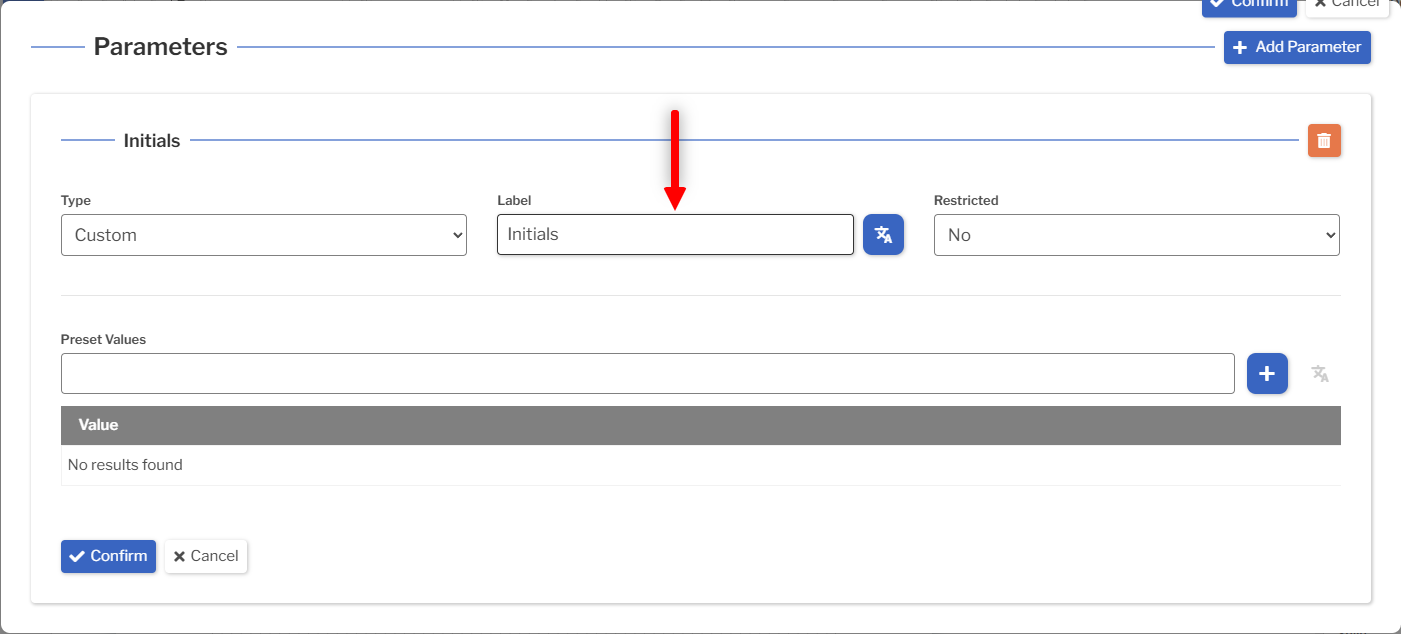
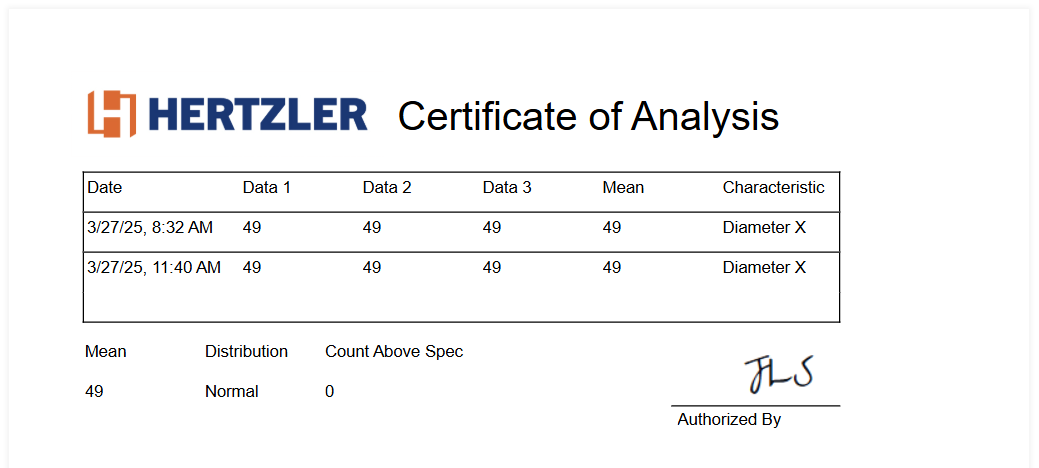
Custom parameters are often displayed on a Report by selecting the parameter as the value of a Textbox or similar Report item. For example, a Report might be configured with a Sign-Off Initials custom parameter that displays the user's initials.
Viewing a Report with Parameters
When a Report with Parameters is viewed, a prompt will be displayed to fill in all parameters. Clicking Confirm will display the Report, modified by the entered values.
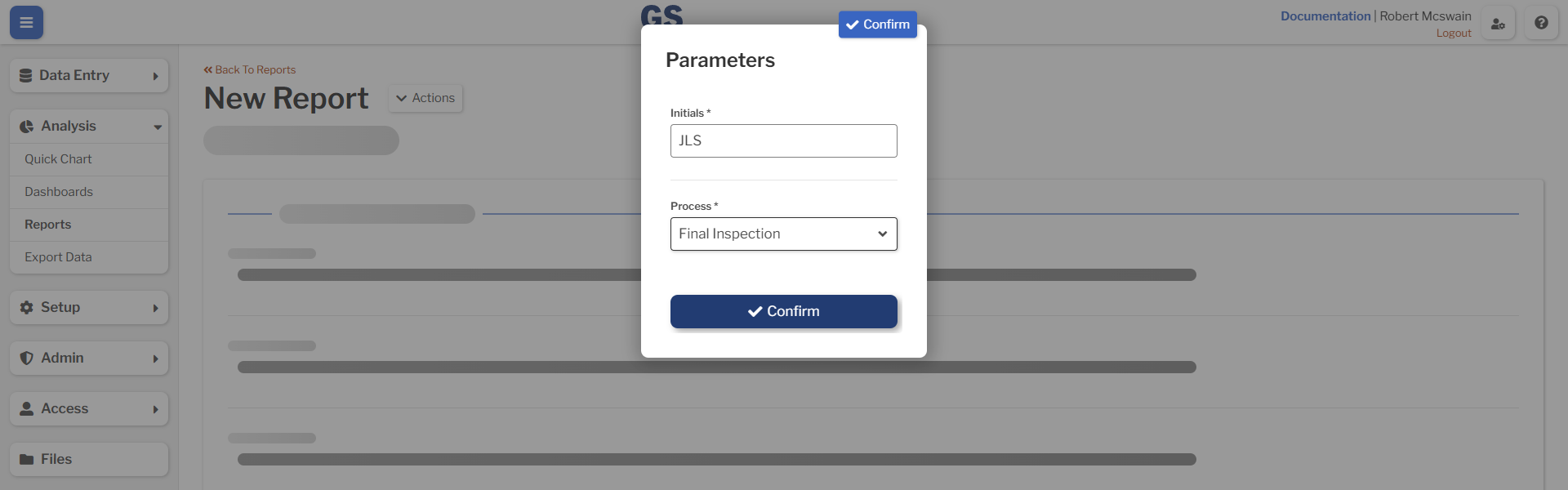
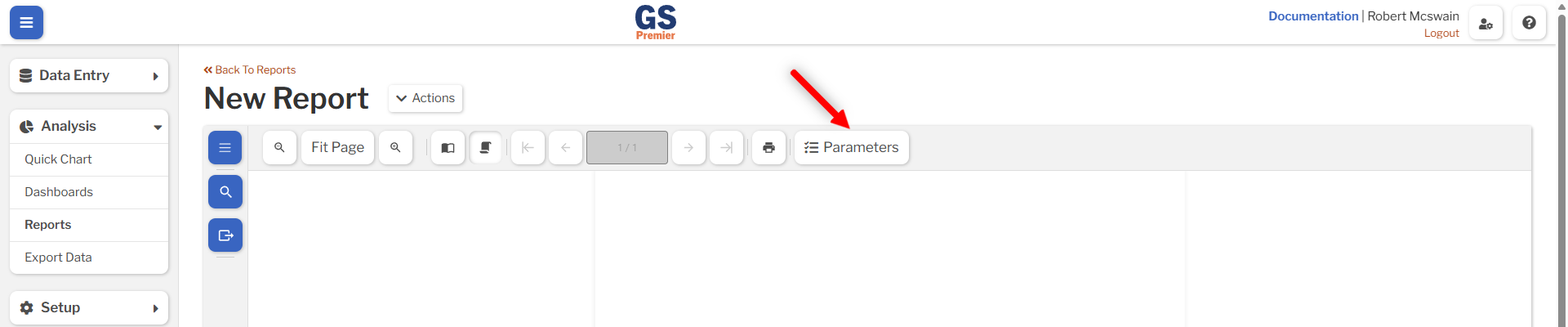
After the Report is displayed, the parameter values can be changed by selecting the Parameters button. The Report will be rerendered whenever parameter values are changed.